- General
-
 Bugs
Bugs

0
Fixed
Mobile view looks bad and google icon
Hi,
Can you help with fixing their display of the slider on mobiles? Thanks.I did try the custom code from another user in the forum but it didn't work.
Also the google icon looks like an old one. Can this be updated please?
Otherwise, so far so good thanks.
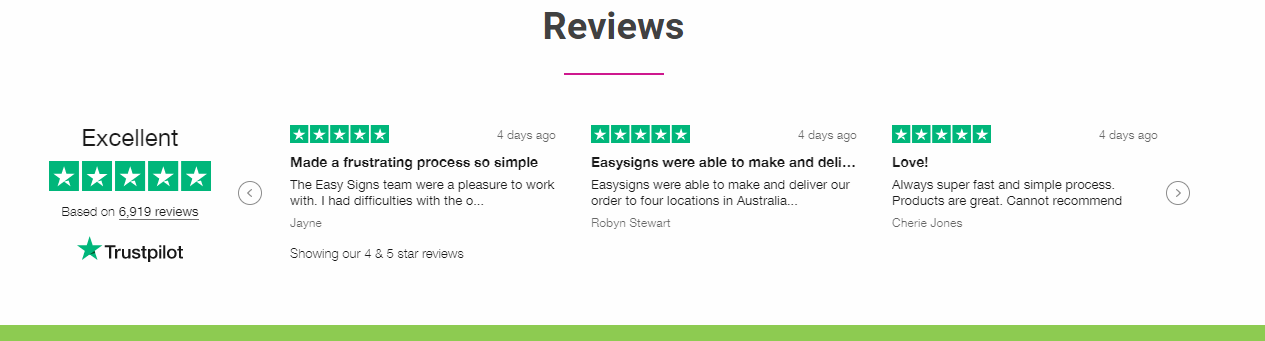
Also, I was wondering if we could have the very first testimonial be a sticky testimonial to show the overall number of reviews and star ratings. Similar to the trustpilot one carousel on the left. Instead of Trustpilot perhaps we could make it for google reviews?
Customer support service by UserEcho

Can you share a link to the page? Are you trying to display one review on mobile only?
Hi Josh,
I can't see anything so can't make a decisions on 1 or 3 yet.
Below is a screenshot.
here is the link. https://www.c4print.com.au/
It's the margins you are using on the review section. See screenshot...
You will need to set the margins at zero and then go to the review template custom CSS setting and enter this...
Hi Josh,
Ok, so I have set the margins to zero in shopify, and I have added the css code to the template but I don't think that had any effect. It is now taking up the whole width of the screen. At least mobile is looking better. I think 1 review at a time is better. I would like to have the slider arrows on the left and right and I'd like to keep it a bit narrower if possible.
Thanks,
Cathy
Sorry, try this. I left out something...
@media screen and (min-width: 800px) {
.srs-testimonial-container {
margin: 40px 150px 40px !important;
}
}
Thanks that worked nicely.
Can we fix up the google icon please? I don't mind the 3 reviews showing on mobile. It looks good.
I changed it the other day. You may need to clear your browser cache.
oh thanks that's perfect!